Smart home holiday buying guide 2026: prepare for Black Friday
Build a shortlist before Black Friday. Our guide links to HomeTenet coverage and explains what to check in bundles, compatibility, returns and price history.

Affiliate disclosure: HomeTenet may earn a commission if you buy through links in this article. As an Amazon Associate, we earn from qualifying purchases. Privacy & Disclaimers.
How to use this guide
Black Friday falls on November 27, 2026, and Cyber Monday on November 30. Amazon confirms both dates; its US event runs November 19–30, so it is already underway as of November 22. Other retailers set their own sale windows. This guide does not list prices or promise deals, because both change daily. Instead it tells you which products we have covered in each category, what to check about each one and which new launches are better to wait on.
This is a source-based guide. HomeTenet has not tested these products. Our coverage relies on manufacturer documentation and named independent reviews, and we say where a product has little or no independent testing.
Quick picks by need
Evidence labels describe the reviews cited in our linked coverage, checked November 22; they are not a claim that no other reviews exist. Related models and configurations are identified in the individual articles.
| If you want | Look at | Evidence level |
|---|---|---|
| A thermostat that sets its own schedule | Google Nest Learning Thermostat (4th gen) | Independent reviews |
| A thermostat for uneven rooms | ecobee Smart Thermostat Premium | Independent reviews |
| A cheap Alexa thermostat | Amazon Smart Thermostat | Mostly 2021 reviews |
| A lock that works with Apple Home Key | Schlage Encode Plus; Aqara Smart Lock U100 | Manufacturer documentation and reviews |
| A keyless lock with several biometrics | SwitchBot Lock Vision Pro | Two early independent reviews, mixed |
| A video doorbell without a mandatory subscription | eufy Video Doorbell E340 | Manufacturer documentation |
| A wired doorbell and camera for Google Home | Nest Doorbell and Nest Cam Indoor (wired, 3rd gen) | Independent reviews |
| A robot vacuum for pets and thresholds | Roborock Saros 20 | Independent reviews, mixed |
| A compact robot vacuum for Apple Home | SwitchBot K11+ Pro | Press coverage only |
| Outdoor holiday lights | Govee, eufy and SwitchBot permanent lights | Reviews for Govee and eufy |
| Motorized shades | GE, Yoolax, SwitchBot, Lutron Caséta | GE, SwitchBot and Lutron reviews; Yoolax test covers a different configuration |
| An art frame | Alexa Photo Frame; SMARTWIZ+ art | No hands-on tests cited in our coverage |
Thermostats
Our reviews of the Nest Learning Thermostat (4th gen), the ecobee Smart Thermostat Premium and the Amazon Smart Thermostat cover the wiring and app questions. Start with our thermostat shortlist. Check HVAC compatibility and power requirements, including whether a C-wire or a supported adapter is needed. Of these three, ecobee is the option with room occupancy sensing; Nest’s separate sensor measures temperature. A thermostat is a poor surprise gift because installation can involve HVAC wiring.
Locks
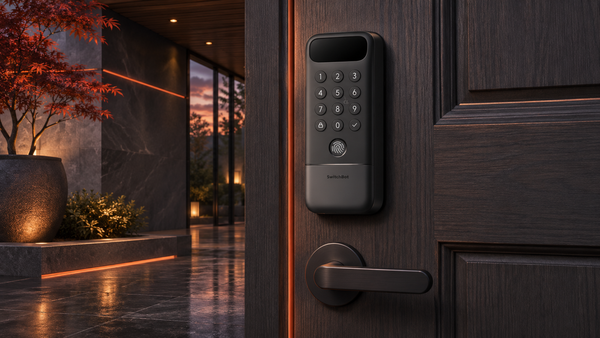
Our smart locks shortlist covers the Schlage Encode Plus, Aqara U100 and August Wi-Fi lock. The SwitchBot Lock Vision Pro adds face, palm and fingerprint unlock with Matter over Wi-Fi. Early independent reviews were mixed on the biometrics and positive on basic locking, and Apple Home Key is not supported. The Vision Pro replaces the deadbolt, while August Wi-Fi is a retrofit option. Check the particular lock’s door requirements before buying it as a gift.
Cameras and doorbells
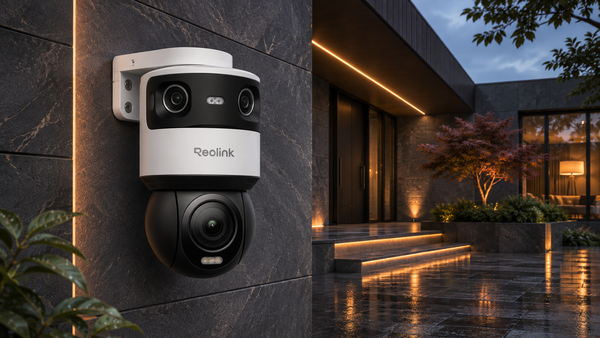
The biggest difference between cameras is cost after purchase. Google’s wired Nest Doorbell and Nest Cam Indoor include short event previews without a plan; longer history needs Google Home Premium, and Gemini camera features require Advanced. The eufy E340 includes 8 GB of local storage with no mandatory subscription, per our review. Ring’s 4K cameras and Blink’s new lineup add more choices, but both are recent launches with limited independent testing, so read our Ring and Blink articles before choosing. Window cameras such as the Baseus PrimeSentinel W1 look attractive for renters, but we found no independent review of it yet. Commercial cameras such as the Ring Elite 360 are not home gifts.
Robot vacuums
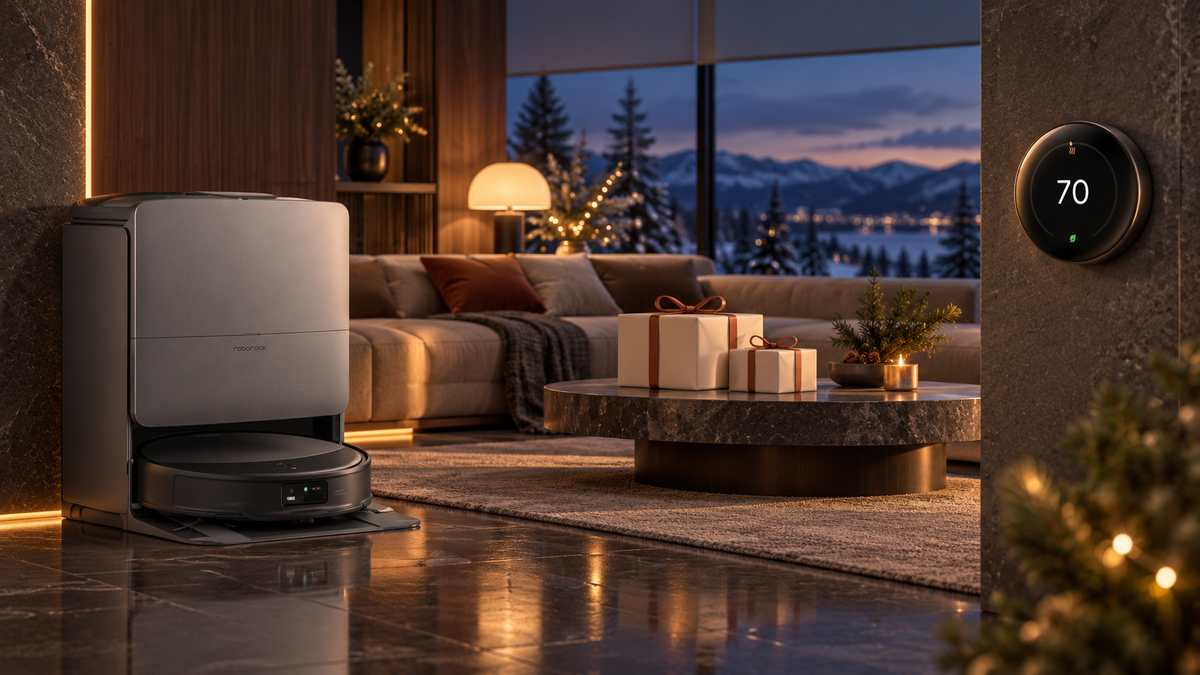
Start with our robot vacuum shortlist, then read the individual findings. The Saros 20 performed well on vacuuming and pet hair in the reviews we cite, but mopping findings disagreed. The Saros Z70 drew stronger mopping reports, while its arm and carpet pet-hair pickup were less convincing. Those are different trade-offs.
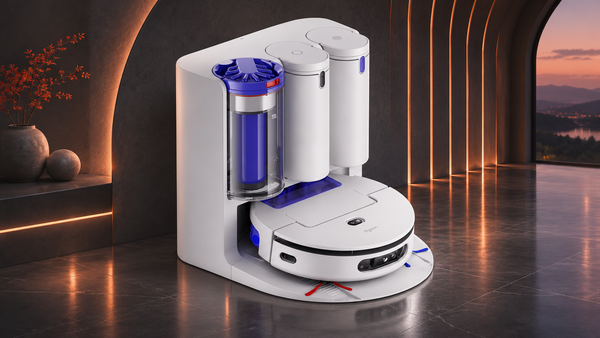
The Saros 20 Flow has one independent review in our coverage. The Dyson Nurovi range now has separate hands-on reports for the R2 and R3: a November 19 Just A Dad Approved R3 review praised mopping but found UV spill detection and corner cleaning limited. That is one tester’s experience, not a broad consensus. Read our R3 assessment. The eufy Omni S2 Pro, ECOVACS T90 Max Plus Omni and Matic Serene remain supported mainly by manufacturer claims in our coverage. Treat UV stain detection separately from disinfection claims.
The compact SwitchBot K11+ Pro is another option, but our article has no independent hands-on Apple Home test. Check which controls your platform supports before buying specifically for Matter.
Speakers, displays and Alexa devices
Amazon’s new Echo lineup leans on Alexa+, and several features need it, so check what you get without it. The Echo Dot, Echo Show 16, Echo Time, Echo Studio with Home Camera and Alexa Photo Frame are new enough that independent reviews are thin. If a device has a camera, microphone or sleep sensor, read the privacy section of our article first.
Hubs and smart plugs
Choose your main ecosystem before adding a hub. Our published Alexa lineup article records hub protocols for the exact new models; do not assume every generation of Echo Dot has the same features. Matter device types and available controls vary by model, firmware and platform. Some advanced functions still need a manufacturer app or bridge.
Lights, shades and kitchen
Permanent outdoor lights suit holiday colors, but installation needs a ladder and an outdoor outlet. Govee and eufy have independent reviews in our permanent-lighting shortlist, and the SwitchBot kit is new. Our smart-shade shortlist compares GE, Yoolax, SwitchBot and Lutron. Shades need exact measurements and sometimes a Thread border router. Connected espresso machines are a high-value gift with a high cost of getting the model wrong, and taste is personal. Our smart refrigerator shortlist also puts cooling evidence and useful alerts ahead of screen features.
Ideas by household
- A first smart home: pick one ecosystem, then a speaker or display, a couple of smart plugs or bulbs, and a thermostat only if your wiring allows.
- A renter: plug-in cameras and sensors, smart plugs, adhesive-mount devices and robot vacuums need no wiring.
- A pet owner: a robot vacuum with independent pet-hair results, and read the failure notes as well as the specs.
- A coffee lover: an app-connected espresso machine, bought where returns are easy.
- A safety-minded household: smoke and CO alarms and leak sensors beat gadgets, though we have not yet published a roundup on them.
Buy now or wait
Products with independent reviews and a clear return policy are safer to buy in a sale. New launches, especially those with unproven claims about face unlock, UV disinfection or voice control, are often better to wait on until reviews arrive. A discount does not make an untested product a good choice.
How to judge a deal
- Match the exact model: many brands sell similar names. Roborock's Saros 20 family has several variants, for example. Check the model number on the listing.
- Check what is in the box: some bundles omit a hub, adapter or sensor you need.
- Check ecosystem support: confirm the product works with the app you use. Supported device types and controls vary by model, firmware and platform; advanced functions may need the maker’s app.
- Check subscriptions: a cheap camera with a required plan can cost more over time. Read what is free and what is not.
- Check the return window: holiday purchases often have extended returns, but read the terms.
- Buy from the manufacturer or an authorized retailer to protect your warranty.
- Check the price history: a "sale" price is only a deal if it beats the usual price.
Privacy and security
Cameras, microphones and sensors deserve a look at privacy settings before first use. Use two-step verification on the accounts that control your devices, avoid putting cameras in bedrooms or bathrooms, and be careful with second-hand devices that may still be linked to another account.
Safety and setup
Follow the maker's installation guide. Turn off power at the breaker before wiring thermostats or hardwired devices, use a stable ladder for outdoor lights and cameras, and hire a professional for anything involving your electrical panel or HVAC equipment. Homeowner safety disclaimer.
Before ordering
Recheck stock, delivery estimates, subscriptions and seller-specific returns at checkout. This guide does not monitor prices or establish that a listing is a deal. For gifts that require accounts, cameras or installation, confirm the recipient wants that setup first.
Changelog
- November 22, 2026 (expanded update): Added live coverage links, checked retailer dates and evidence labels, clarified Nest previews, lock installation and model-specific Matter support, and incorporated the newly identified R3 hands-on report. Existing URL, image and metadata retained.
- November 1, 2026: Original guide published from existing HomeTenet coverage, with category links and no live deal claims.
- November 21, 2026 (draft expansion): Guide expanded from existing HomeTenet coverage. HomeTenet has not tested these products, and no deals are listed.
Questions or corrections: admin@hometenet.com.